Hear and find sounds
Tap the sound collection to listen. Sound Balloons and Balloon Chase give children ways to find a sound they hear.
 phonics frog
A little practice, together
Phonics Frog gives children playful ways to practise letter sounds, blending and word building, with British English audio and activities a grown-up can adjust.
Use it for extra practice alongside the reading activities your child already does. Start with familiar sounds, explore a game together and take your time.
Explore the games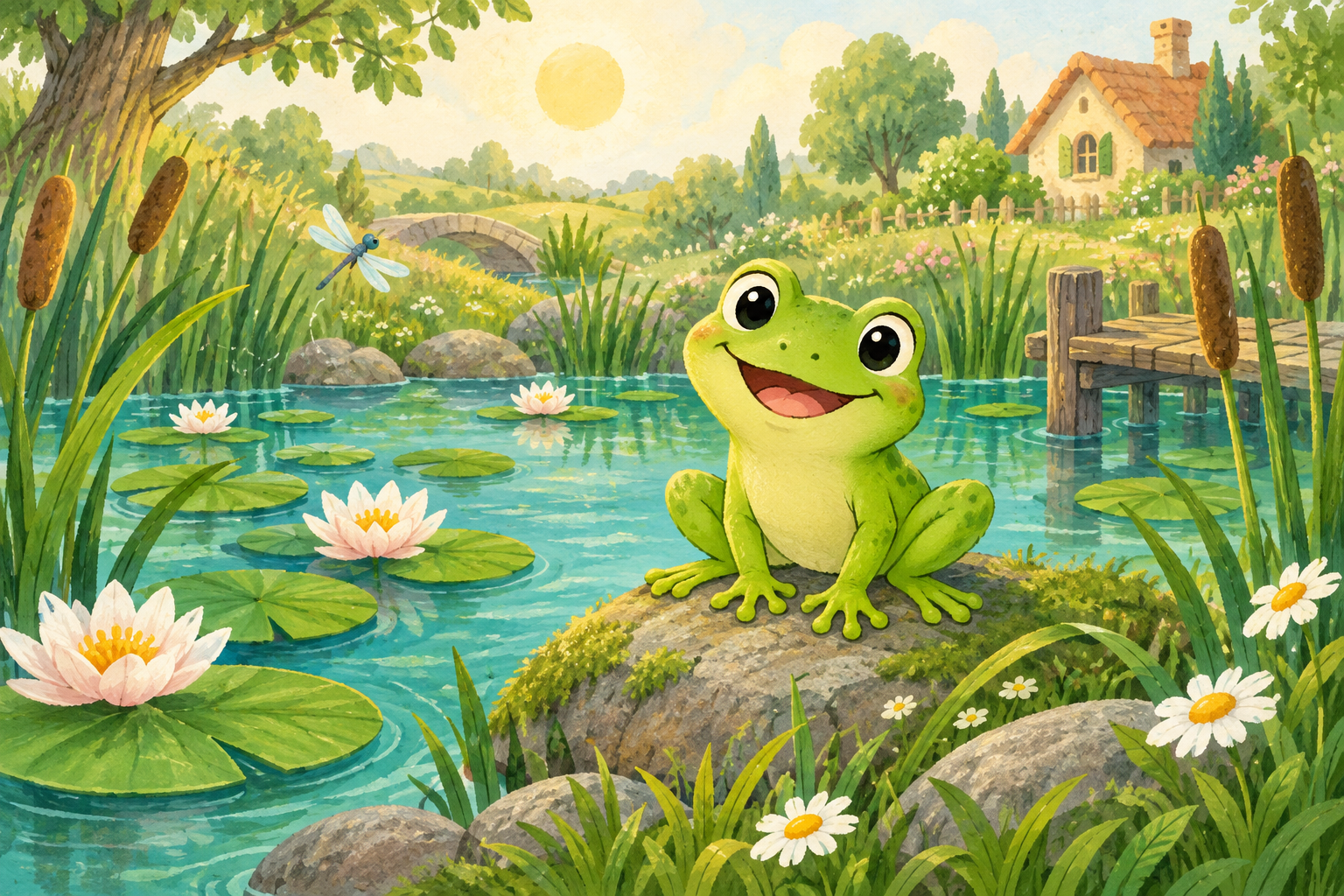
Sounds, words & little discoveries
Activities bring together listening, looking, matching and making words. The sounds selected by a grown-up determine which practice is available.
Tap the sound collection to listen. Sound Balloons and Balloon Chase give children ways to find a sound they hear.
Listen to sounds in The Little Pond, put sounds together in Listen & Build, or choose the missing sound in a word.
School Words includes Green Words for sounding out and blending. Red Words gives extra practice with words that contain less familiar spellings.
Matching Pairs and Memory Pairs use sounds, letters, words or pictures. A grown-up can choose the available activity and difficulty.
Follow Letter Trails to draw letters on screen. Return to a familiar letter whenever your child wants another go.
Number Adventures offers counting, addition and taking away with a number limit you can choose, up to 100. Number activities sit alongside the reading games.
Your first visit
Room to try again
Start with a sound or word your child recognises. You can listen again, choose a smaller set of sounds and adjust difficulty where the game offers it. A grown-up can read alongside the child and use the help options.
There is no need to follow every activity on the first visit. Choose what fits the reading practice you are already doing at home or with your child’s teacher.
Good to know
No account is needed for device-only play. Progress is saved in that browser. An optional parent account lets you create separate child profiles and sync progress between devices.
A nickname and a choice of picture. Children do not need their own email address, and the profile does not ask for a date of birth.
The teaching audio uses British English. Tap a sound in the sound collection to hear it before choosing a game.
No. A grown-up can help with reading. The optional device reading feature asks for microphone permission and processes recorded speech on the device; availability depends on the browser and device.
The games run in a web browser on a phone, tablet or computer with JavaScript enabled. Touch or click the activities, and make sure your device’s sound is on.
The app can cache resources for offline use after they have loaded. First visits, uncached resources, sign-in and cloud syncing need a connection. Keep the app open while required resources load; availability can vary with your browser’s storage.
Device-only progress stays in browser storage. Account progress also syncs to Firebase when connected. Signing out keeps the account’s local progress cache. Read privacy and saved progress before using a shared device.
Use the activities alongside reading at home and school. Choose sounds and words that fit what your child is practising, and ask their teacher which ones to revisit together.
Explore the activities, choose a familiar sound and play together.
Play Phonics Frog